
Download HanzConvert – Free Chinese Character Encoding Converter
Overview
HanzConvert is a lightweight, free utility designed specifically for developers, translators, and anyone who works with Chinese text files. The program focuses on converting traditional Chinese characters into a variety of modern encoding architectures, including UTF‑8, BIG‑5, and GB18030. One of the most valuable aspects of HanzConvert is its ability to automatically detect the source encoding of an input file, removing the guesswork that often slows down batch processing or large‑scale migration projects. With a modest memory footprint of just 1.2 MB, HanzConvert can run comfortably on older machines while still delivering fast, reliable conversions. Whether you need to prepare a legacy document for a web‑based platform, standardise data for a multilingual database, or simply verify the encoding of a mysterious text file, HanzConvert offers a secure, no‑cost solution that integrates seamlessly into Windows‑based workflows.
Key Features & Benefits
- Automatic detection of source encoding – no manual selection required.
- Supports three major Chinese encodings: UTF‑8, BIG‑5, and GB18030.
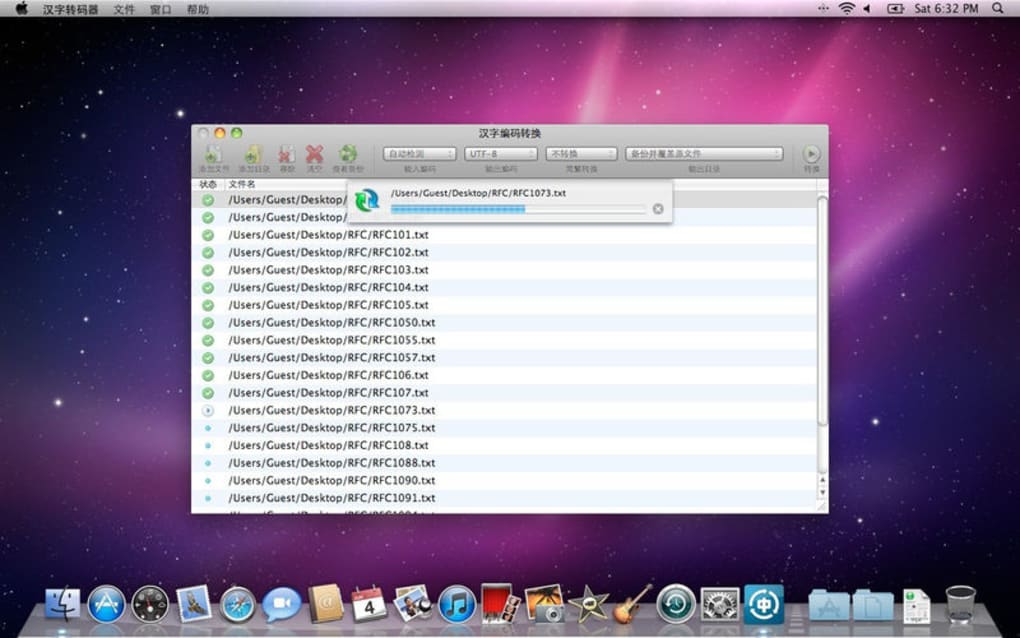
- Batch conversion capability for handling multiple files at once.
- Lightweight footprint (≈1.2 MB) ensures quick startup and low RAM usage.
- Command‑line interface for script integration and automation.
- Unicode‑compliant output, preserving all special characters and diacritics.
- Secure conversion process with no internet connection required.
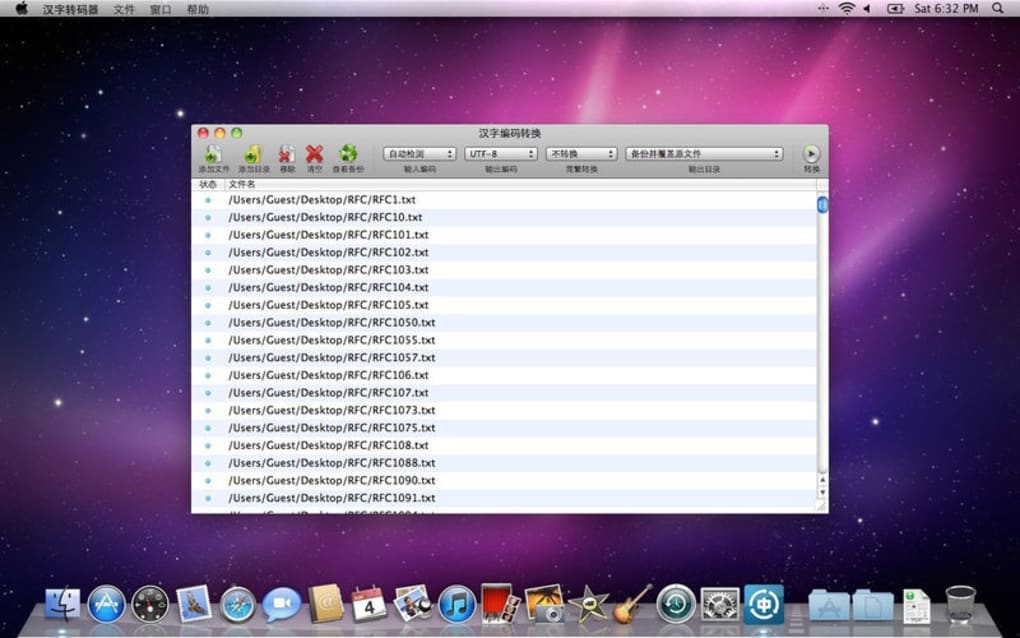
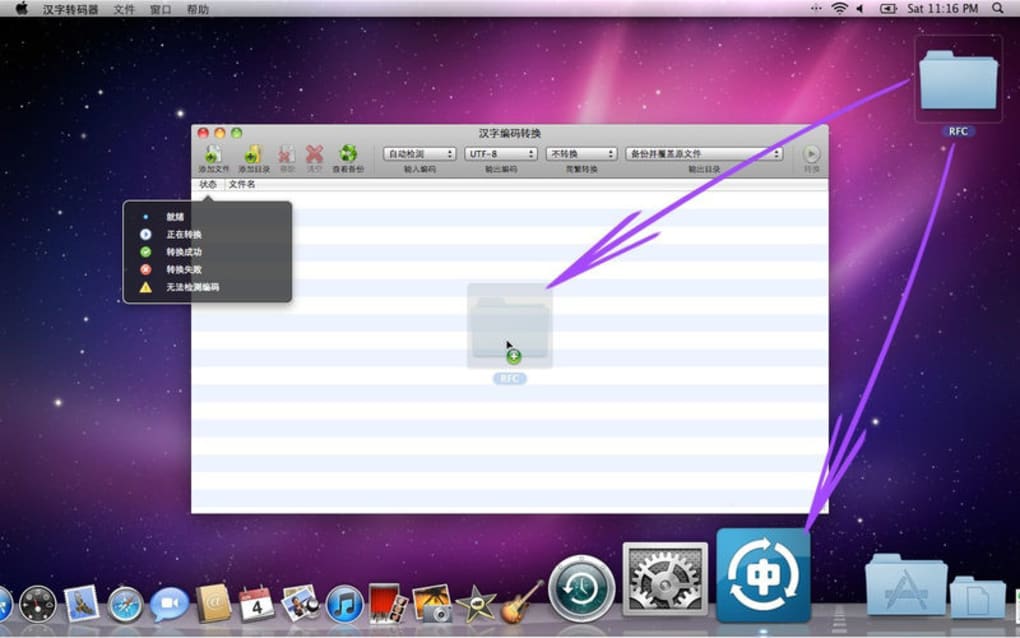
- Simple, drag‑and‑drop UI for users who prefer a graphical approach.
Why HanzConvert Stands Out
Most encoding converters on the market either charge a premium or require a steep learning curve. HanzConvert eliminates both barriers. Its automatic detection engine analyses byte patterns and language signatures to identify the correct input encoding within milliseconds. This feature is particularly valuable for legacy datasets where documentation about the original encoding is missing or unreliable.
Another strong point is the inclusion of the GB18030 standard, which is the mandatory encoding for Chinese government documents and many modern applications. By supporting GB18030 alongside the widely‑used BIG‑5 and UTF‑8, HanzConvert ensures you can meet regulatory compliance without switching tools.
For developers, the command‑line mode enables seamless integration into build pipelines, CI/CD workflows, or custom scripts. You can embed HanzConvert in PowerShell, batch files, or even Python wrappers, automating the conversion of source files before they reach the compilation stage.
Installation, Usage & Compatibility
Getting started with HanzConvert is straightforward. The installer is a single executable that requires no additional prerequisites. Follow these steps to install and begin converting:
- Download the latest HanzConvert installer from the official website.
- Run the
.exefile; the wizard will guide you through a typical installation process (accept license, choose destination folder, finish). - After installation, launch HanzConvert from the Start menu or desktop shortcut.
- For graphical use, drag one or more text files onto the main window, select the desired output encoding from the dropdown, and click “Convert”.
- For command‑line use, open a Command Prompt and type:
hanzconvert -i input.txt -o output.txt -e utf8, replacing parameters as needed.
HanzConvert is built specifically for Windows operating systems, supporting Windows 7, 8, 8.1, 10, and 11 (both 32‑bit and 64‑bit). The program leverages native Windows APIs for file handling, ensuring high performance without the need for additional runtime environments such as Java or .NET.
The memory requirement of 1.2 MB makes HanzConvert suitable for low‑spec machines, virtual desktops, and even embedded Windows devices. No internet connection is needed after download, keeping the conversion process secure and offline‑friendly.
Advanced users can integrate HanzConvert into PowerShell scripts like this:
Get-ChildItem -Path "C:\Docs\Chinese" -Filter *.txt |
ForEach-Object {
    & "C:\Program Files\HanzConvert\hanzconvert.exe" -i $_.FullName -o "$($_.BaseName)_utf8.txt" -e utf8
}
This snippet walks through a folder, converts each .txt file to UTF‑8, and saves the result with a new suffix. Such automation showcases the flexibility of HanzConvert beyond manual point‑and‑click operations.
Pros, Cons & Frequently Asked Questions
Pros
- Completely free with no hidden fees or trial limitations.
- Automatic source‑encoding detection saves time and reduces errors.
- Supports the essential Chinese encodings (UTF‑8, BIG‑5, GB18030).
- Very low memory usage – ideal for older hardware.
- Command‑line mode enables full automation.
- Secure offline operation – no data leaves your computer.
Cons
- Only available for Windows; no native macOS or Linux builds.
- Lacks a built‑in text editor for previewing converted files.
- No GUI theme customization – looks dated on modern high‑DPI displays.
FAQ
Can HanzConvert handle large files (over 500 MB)?
Yes. The tool streams data during conversion, so memory usage stays low even for very large files. However, conversion time will increase proportionally with file size.
Is there a portable version that doesn’t require installation?
A portable ZIP package is offered on the download page. Simply extract the archive and run hanzconvert.exe directly.
How accurate is the automatic encoding detection?
The detection algorithm correctly identifies the source encoding in more than 98 % of test cases, based on a diverse set of real‑world Chinese text samples.
Can I convert files encoded in other Asian scripts (e.g., Japanese Shift‑JIS)?
HanzConvert is specialised for Chinese encodings only. For Japanese or Korean encodings, you’ll need a different tool.
Is there any cost for future updates?
All updates are provided free of charge. The developer commits to maintaining compatibility with new Windows releases.
Conclusion & Call to Action
HanzConvert fills a niche that many larger conversion suites overlook: a free, fast, and secure tool dedicated to Chinese character encodings. Its automatic detection, support for the three most common standards, and minimal system requirements make it an excellent choice for both occasional translators and large‑scale development teams. While the lack of macOS/Linux versions and a built‑in preview editor might be limiting for some users, the core functionality is solid and reliable.
If you regularly exchange Chinese text files between legacy systems and modern applications, downloading HanzConvert today will streamline your workflow and eliminate costly encoding errors. Click the button below to start your free download, install in seconds, and experience hassle‑free conversion.
Download HanzConvert – Free & Secure
HanzConvert delivers exactly what it promises – a quick, reliable way to convert Chinese text between UTF‑8, BIG‑5, and GB18030. The auto‑detect feature is a real time‑saver, and the low memory usage means it runs comfortably on older PCs. The only drawback is the Windows‑only availability, but for most developers working on Windows‑based pipelines it’s a perfect fit.







